AdmiralCloud · Digital Asset Management

Media management for your teams

The DAM that fits the way you work.

Find media, work on it together and share it with the right people. On one central platform, with access tailored to your teams and partners.

Start with a specific task from your everyday media work.
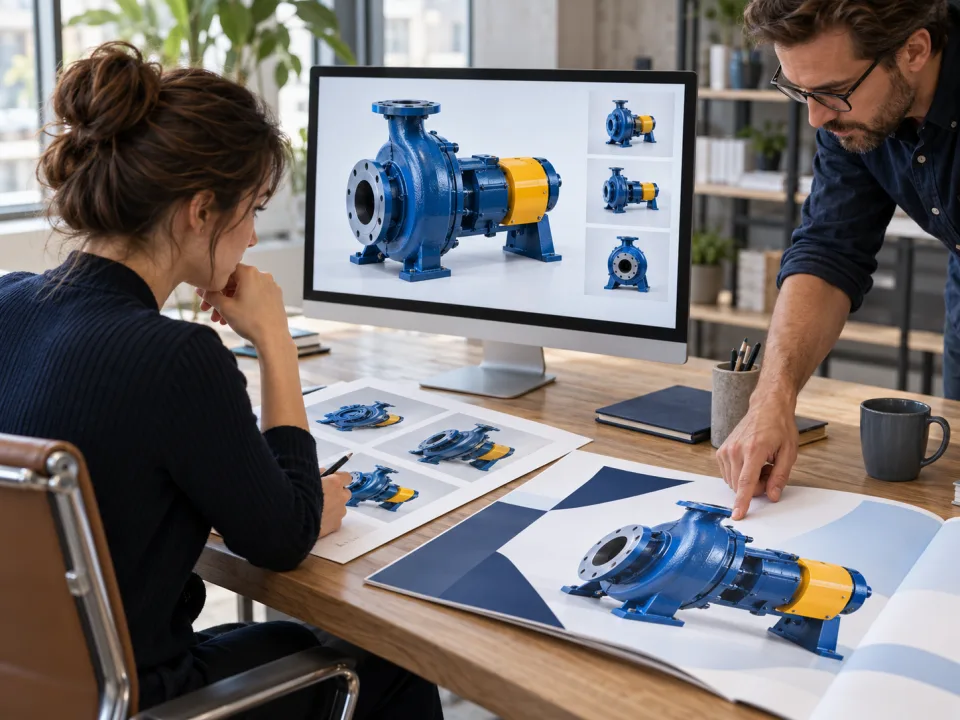
Illustrative work scene: A team reviews a pump image that appears in the selection on screen and in a printed campaign layout.
  1. AgencyContribute
  2. MarketingReview
  3. SalesUse

Illustrative use case

Media management with AdmiralCloud

Somewhere is not a storage strategy.

Images in email, videos on a server, documents on someone’s laptop? AdmiralCloud brings your media and its context into one shared library.

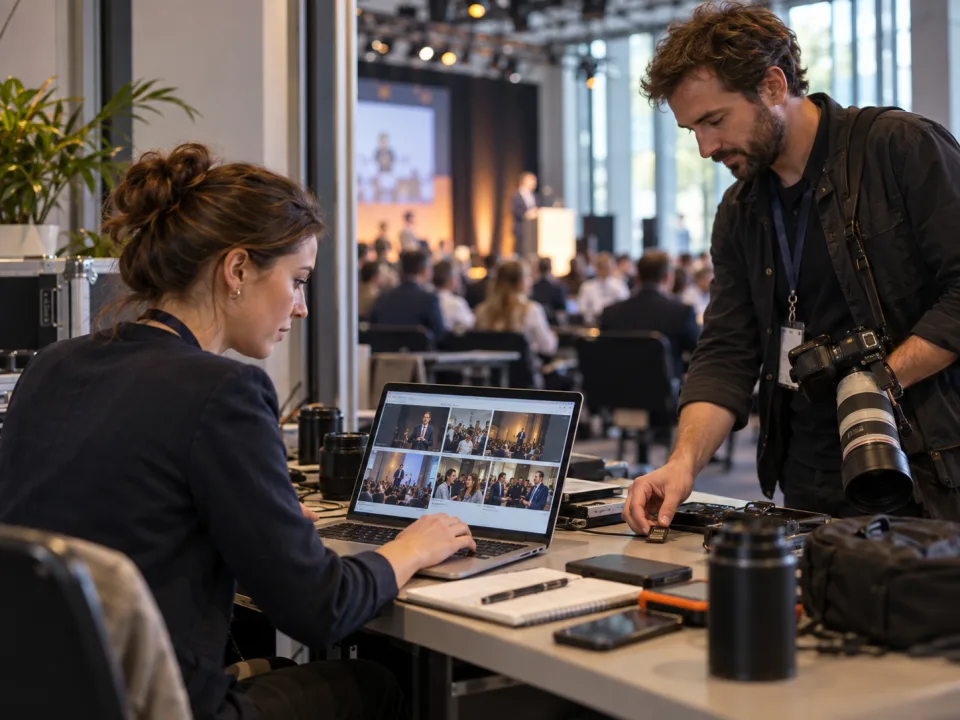
Illustrative work scene: A photographer delivers new pictures during a conference while a communications manager reviews the event material on a laptop.
Illustrative use case

Your custom media experience

Your logo is just the beginning.

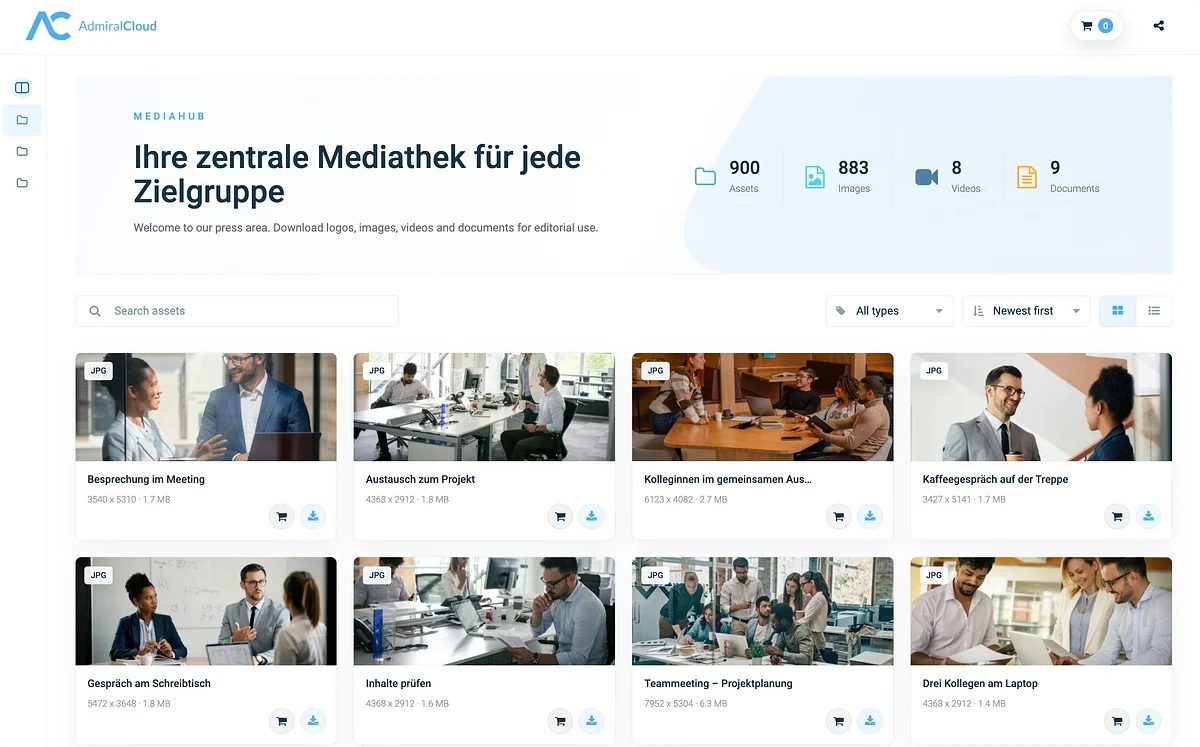
Manage images, videos and documents in one place. Custom interfaces for your teams and partners, built around their tasks.

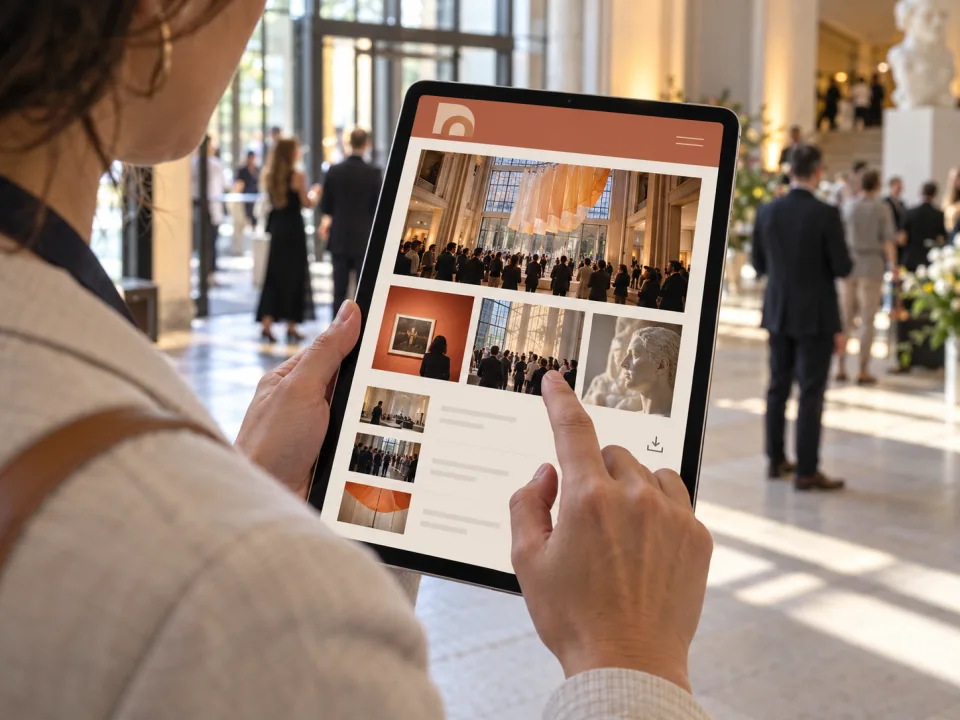
Illustrative work scene: A press visitor selects event media on a tablet using an individually designed Medienwelt interface.
Illustrative Medienwelt example

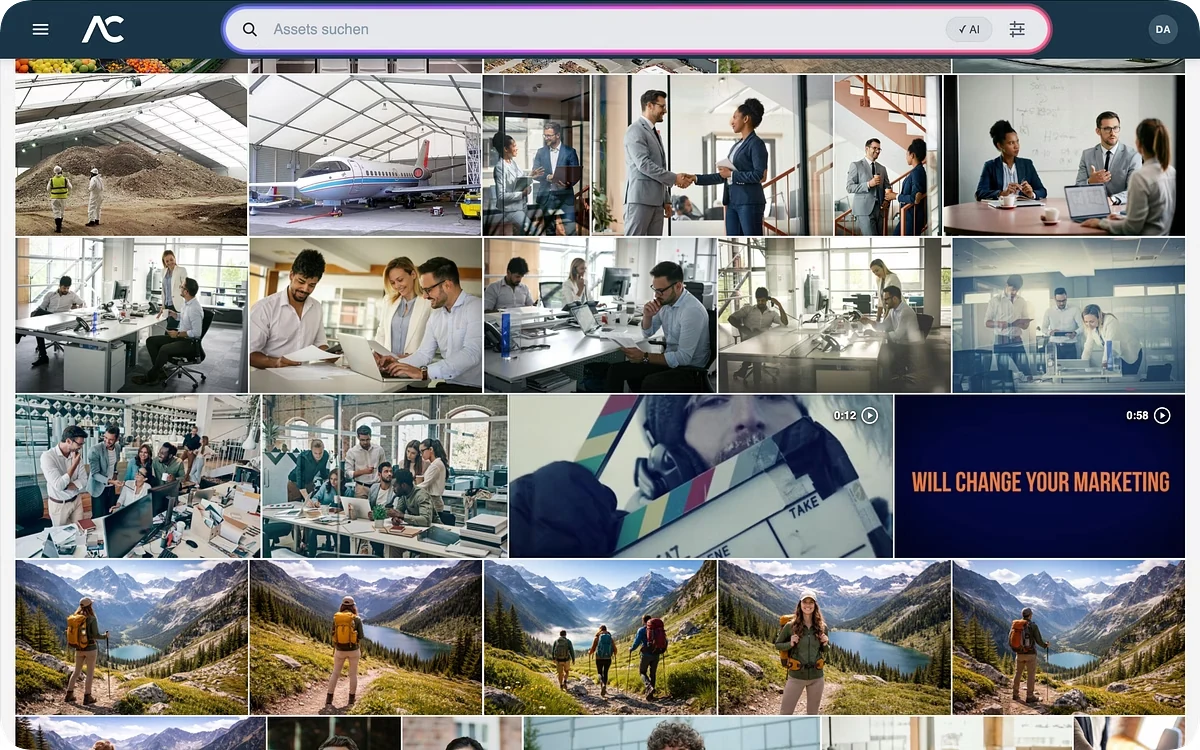
Semantic search with AI

AI helps you find the media you need.

Describe the scene in your own words. Smart Search finds relevant image content even without matching tags already in place.

How your data stays protected

Processing stays within your protected environment; you deliberately control optional services.

  • Central AI services in the EU / EEA
  • No training of general AI models with customer data

Review AI results in context.

Explore secure AI use

Stay in your creative workflow

Canva meets your DAM.

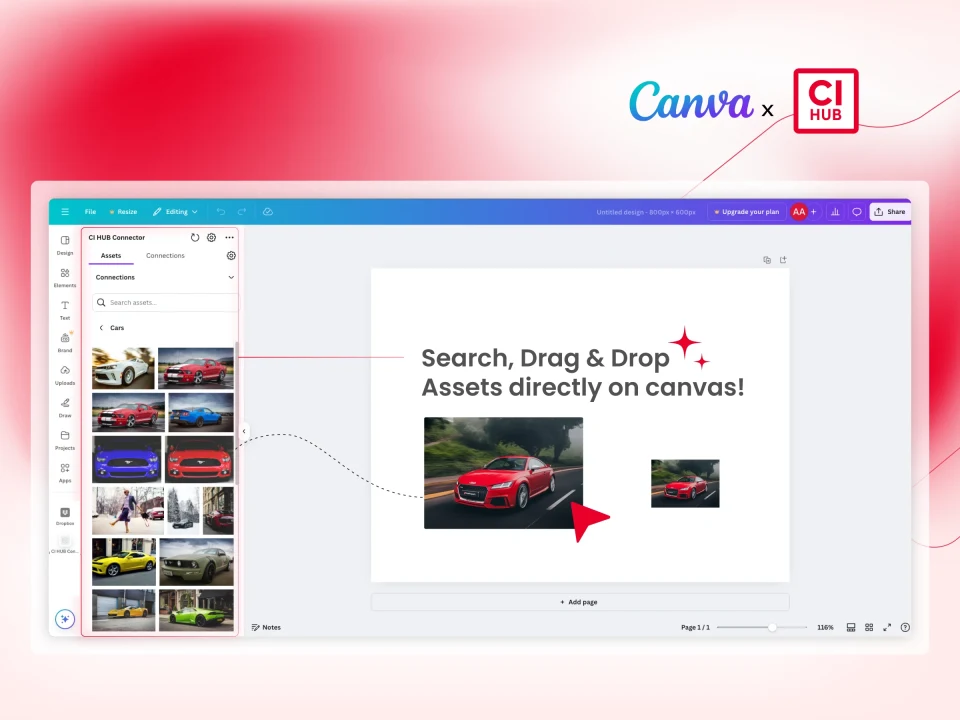
Use media from AdmiralCloud in Canva through CI HUB, right inside your creative workflow.
AdmiralCloud
Use media
via CI HUB
Return designs
Canva
Original Canva view with CI HUB: a media library of car photos on the left and one of those images placed on the Canva canvas on the right.
Canva with CI HUB · Detail from the official app preview

Check before you publish

Can you use this image for that purpose?

Keep usage conditions, periods and supporting documents in view before media moves to the next channel.

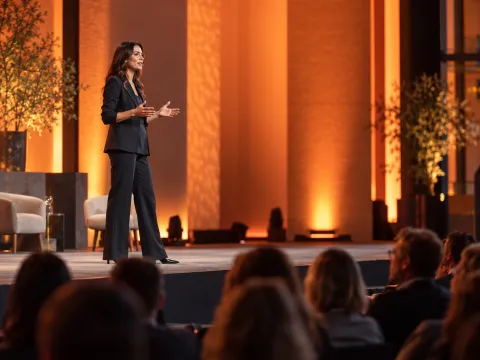
Small reference image of a speaker on a stage.
Speaker.jpg

Usage rights

Example

Types of use

WebsiteAgreed
PrintReview separately

License period

Start1 Jan 2026 License expiry31 Dec 2026
Linked supporting documentUsage-agreement.pdf
Illustrative example. The specific agreement determines the terms.

The difference is in the workflow.

Not every team needs the same interface.

But everyone needs a reliable connection to the same media.

Switch example view
Forum 2026Example views

Submit media

Images and details from the event

Speaker on an event stage.
Presentation.jpgImage title and description
Forum 2026Example views

Selection for the press

Review and agree on the media selection

Speaker on an event stage. Guests talking in the event foyer.
Please add the image captionUnder review
Forum 2026Example views

Press images from the event

The shared selection at a glance

Speaker on an event stage.
Presentation.jpgOriginal file · JPG
Shared media libraryMedia · Metadata · Versions
Illustrative views. Scope and access are agreed together.
Explore Medienwelt
Library, access and implementation
  1. One shared library.

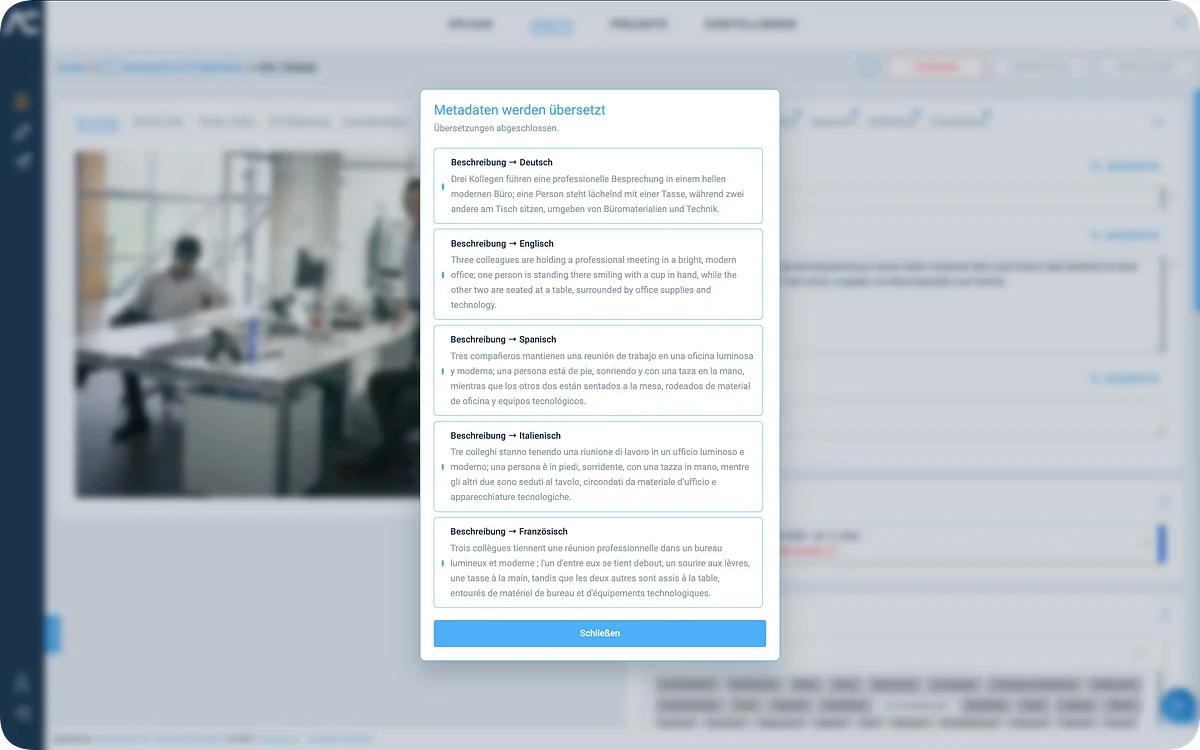
    Organize media, metadata and versions centrally. AI helps describe and find assets; results still need expert review.

  2. The right access.

    Share a curated selection, provide a media portal or develop a custom workflow: the task determines the starting point.

  3. A partner for implementation.

    For your Medienwelt, Solution Engineering connects suitable capabilities with your user journey, within the agreed scope. Customer Success supports onboarding and ongoing use.

Continental Die Techniker Bilfinger Vivantes Documenta Vattenfall

One connected workflow

From the first upload to shared content.

  1. Collect & organize

    Bring media together, add structure and keep versions in one place.

    Forum 2026
    Speaker and audience at an event. Presentation.jpg JPG
  2. Enrich & review

    Add metadata, use AI assistance and coordinate feedback with your team.

    DescriptionAI draft
    A speaker on stage in front of a seated audience.
    Reviewed by the team
  3. Share & deliver

    Provide selected content through links, portals and suitable formats.

    Share link
    Media portal
    Suitable formats

Illustrative workflow using an event photo. The team reviews the AI draft before use.

What your team gains with a DAM
  • Find assets, not folder paths.

    Use metadata and filters to find the right material.

  • Your media belongs with your team.

    One shared media library instead of scattered personal folders.

  • Your next campaign doesn’t start from scratch.

    Reuse existing images and videos for new projects.

  • Make images available instead of handling every image request.

    Teams, partners and the press can access shared media on their own.

  • Find images without knowing your folder structure.

    Recipients search and filter the selection you put together for them.

OMR Reviews Badge
4.8/5 Stars
4.8 out of 5 Stars
Trusted.de Badge
#1 DAM Solution 2026 Awarded on trusted.de

Seamless Integration

Work in your familiar tools and use content across systems.

PS
AI
ID
WP
T3
Word
Excel
PPT
Drive
Figma
YT
IN
Sync
API

Work in familiar tools

Media is available in Adobe, Microsoft 365, and many other tools

Use content across systems

Content for CMS, PIM, and CRM systems is centrally maintained and used

Automate workflows

Content is automatically updated between systems and remains consistent

Flexible integration into own systems

Content and functions can be integrated into existing processes via API

Security & Privacy

Data under your control

Operation in German data centers with GDPR-compliant processing

Development & Operation in GER

Subject to European privacy requirements

Secure in daily use

Access control, approvals as well as SSO and MFA secure the use

Transparency

Security and compliance documents can be viewed at any time

Transparent accessibility status

Our web applications undergo product-specific WCAG 2.1 AA assessments. Find the current status, known limitations and information on product-specific conformance statements in the Trust Center.

GDPR Compliance
GDPR Compliance Certification for General Data Protection Regulation
SOC 2
SOC 2 Certification Certification for information security control
EU AI Act
EU AI Act Compliance with European AI guidelines
DORA compliant
DORA Compliant Compliance with Digital Operational Resilience Act
Trusty Whistleblower
Trusty Whistleblower Whistleblower protection system
UN Global Compact
UN Global Compact Sustainability initiative of the United Nations
Netzwerk Erfolgsfaktor Familie
Success Factor Family Initiative for family-friendly working conditions
Vattenfall

A customer workflow

How Vattenfall organizes and shares video.

The customer story shows how teams and external production partners access, organize and reuse video through AdmiralCloud.

Read the Vattenfall story

See AdmiralCloud in action

Your workflow. In a live demo.

We will show you how to organize your content and put your requirements into practice.

Book a live demo