DAM tagging & AI-assisted preparation

More context.
Less manual work.

Use AdmiralCloud to tag images, create titles and descriptions, and prepare text in other languages. AI provides a starting point. Your team adds the context.

Three tasks. More from your images.

Tags help organize and find media. Descriptions explain image content. Translations prepare it for different audiences.

Examples from grid operations

Images from a fictional grid operator gain tags, useful text and further language versions.

All tags and text below are editorial examples, not actual AI output or product screenshots.

01 / Tag image content

Recognize what is in the image.

Turn visible image content into useful tags. Your team adds the project context.

Suggested tags
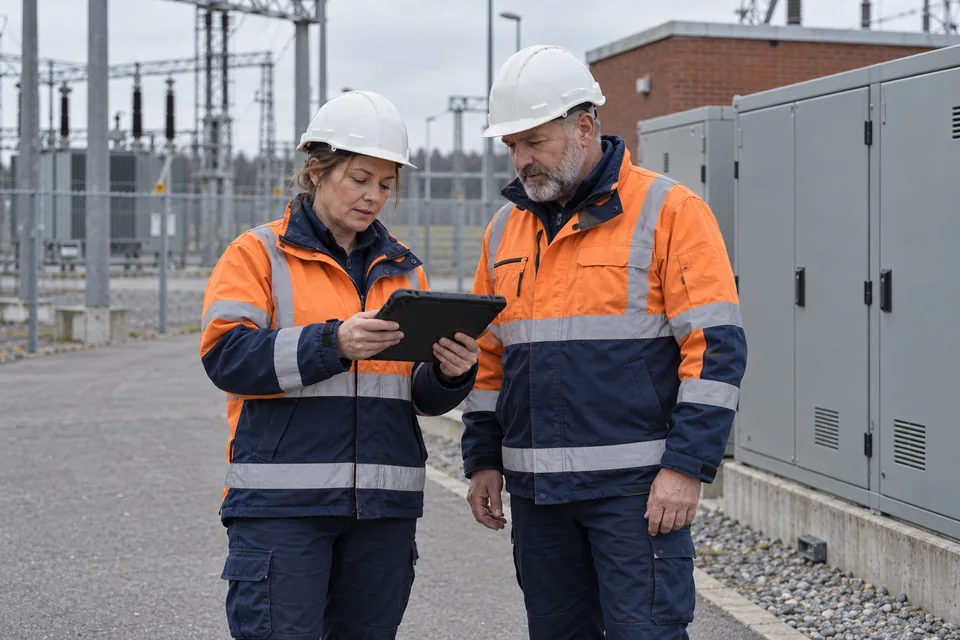
Two people in safety helmets and high-visibility workwear look at a tablet in front of closed electrical cabinets.
  • Safety helmet
  • High-visibility clothing
  • Tablet
  • Electrical cabinet
NETZ_0247.jpg

Your team adds context

Project: West grid upgrade
Visible content suggests possible tags. Your team adds the project context.
What AI recognizes and what your team adds

AI tagging identifies image content and adds relevant keywords. This gives your media library additional search terms without having to describe every image from scratch.

Add information the image alone cannot provide, such as the project name, the occasion or internal terminology. Automatic tags and editorial context serve different purposes.
02 / Create useful text

No need to start from scratch.

Set length, style and tone to create titles, descriptions and alt text from the image.

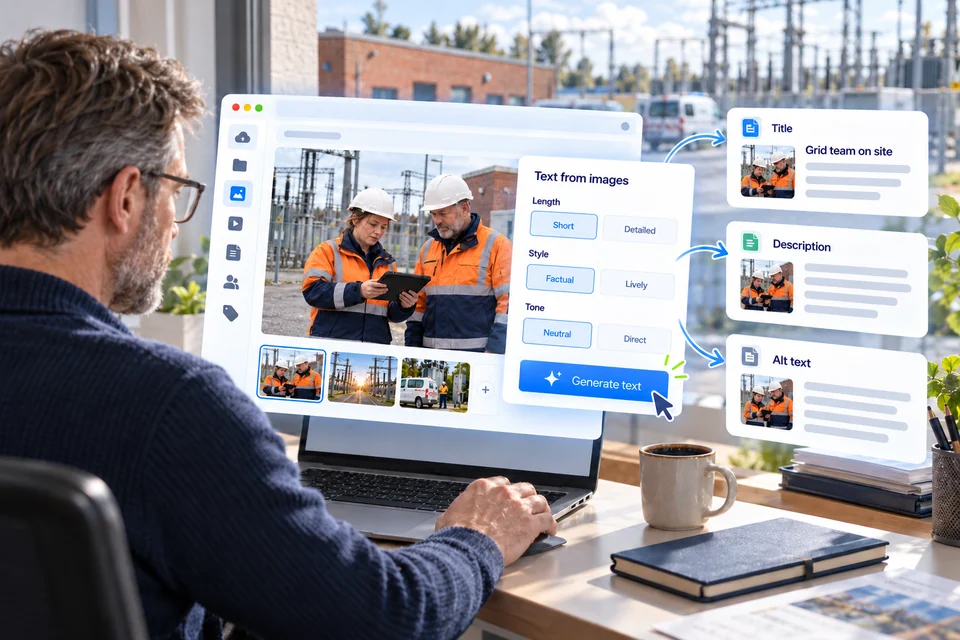
An editor at a grid operator creates a title, description and alt text from a fieldwork photo. The composition shows preferences for length, style and tone.
Set length, style and tone. Get a starting point for titles, descriptions and alt text.
More about text types and editorial review

Generate titles, descriptions and alt text from image content. Adjust length, style and form of address to suit the intended use, from short and factual to more detailed.

Use generated text as a starting point and check facts and terminology before use. Alt text describes relevant image information for people who cannot see the image. What matters also depends on where and how the image is used.

03 / Prepare language versions

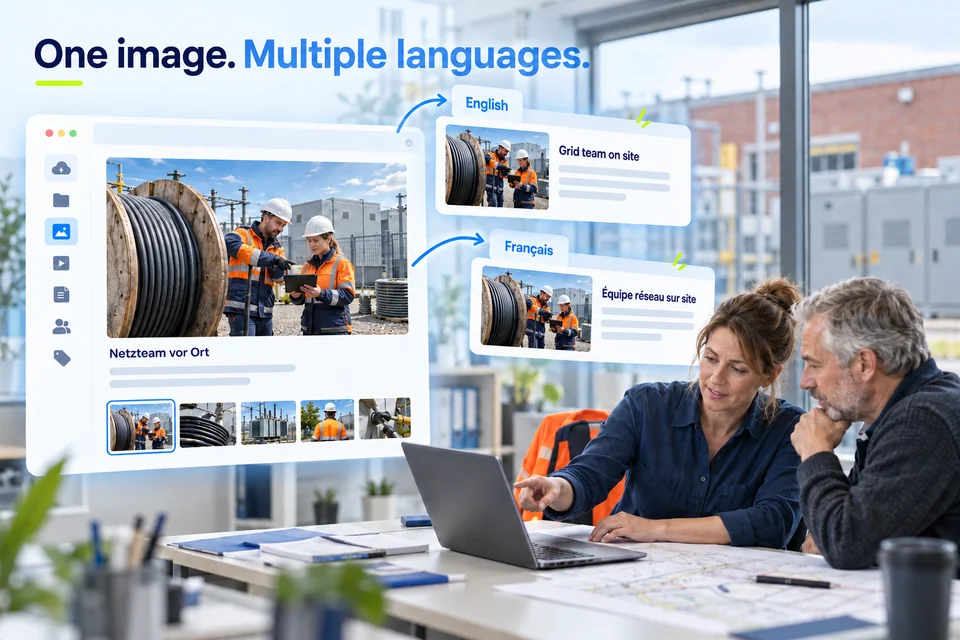
The same content. Another language.

Start with one description. Prepare language versions for your international team.

Two colleagues prepare media from grid operations. A cable-depot photo receives English and French text while the image stays the same.
Review each language version; publishing it in the chosen channel is a separate step.
More about translation and publication

Translate generated content for the next audience. International teams do not have to write an image description from scratch for each language version.

Check the translation for appropriate terminology and add context for its intended use. A translation is not a publication: delivering it to the intended channel is a separate step.

AI assists. Your context matters.

Recognized content is not necessarily complete or correct. Check tags, text and translations against their intended purpose before using them.

Activate what you need

The AI suite is optional and disabled by default. We can discuss which capabilities fit your use case.

Within your protected environment

During AI processing, your data stays within your company’s protected data area.

How could AI preparation help your media team?

Discuss your requirements in a live demo or take a closer look at tagging fundamentals.

Tagging – Organize Assets Effectively

Tags can help you to effectively organize your company’s storage and archiving processes and to clearly label your assets. This way, you avoid both additional search and research efforts and multiple purchases as well as recreating image material. As a form of metadata, tags or keywords are used for specific searches as well as to categorize and classify digital media. Tags are terms that clearly and concisely describe the content of an image or video.

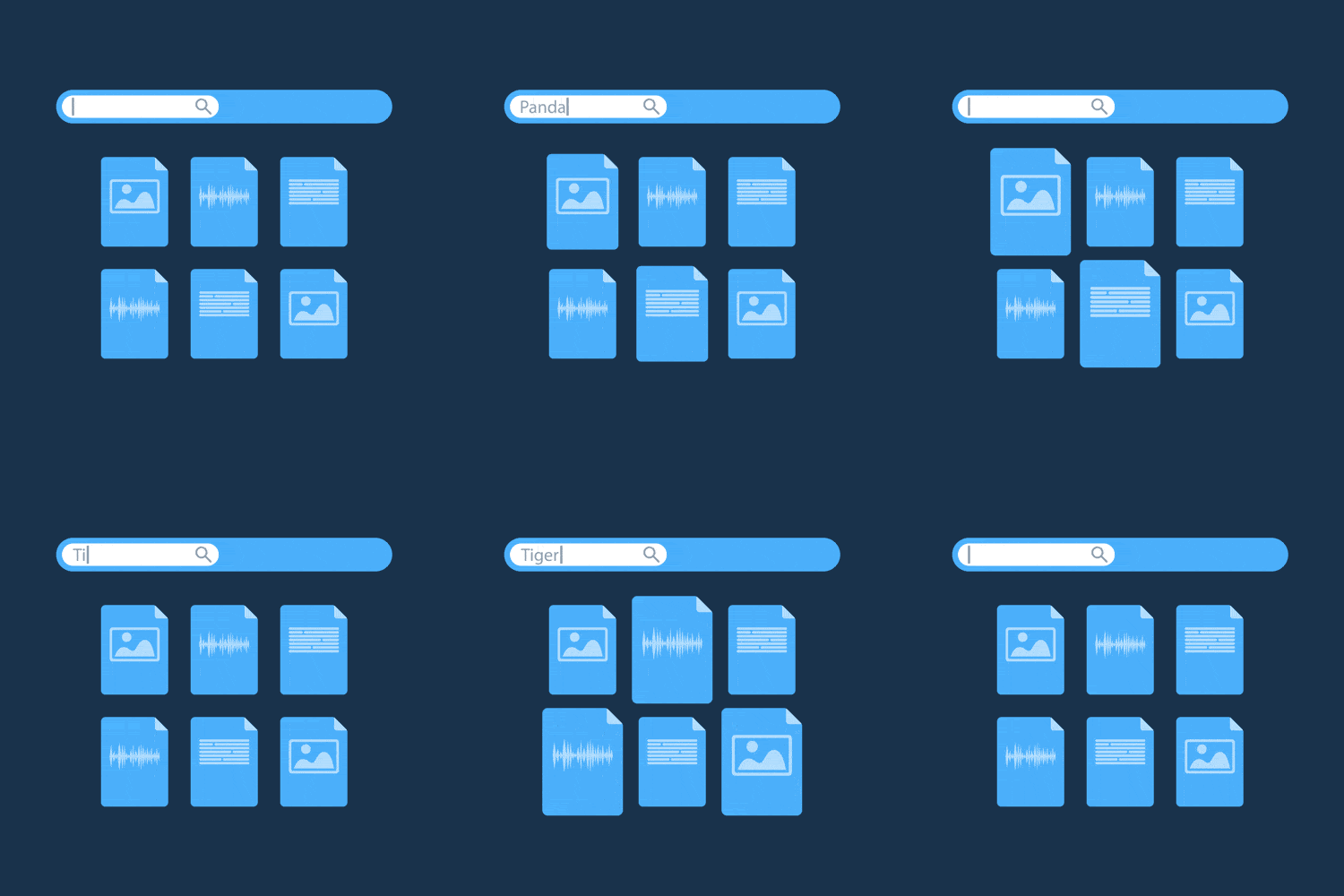
DAM Tagging Animation
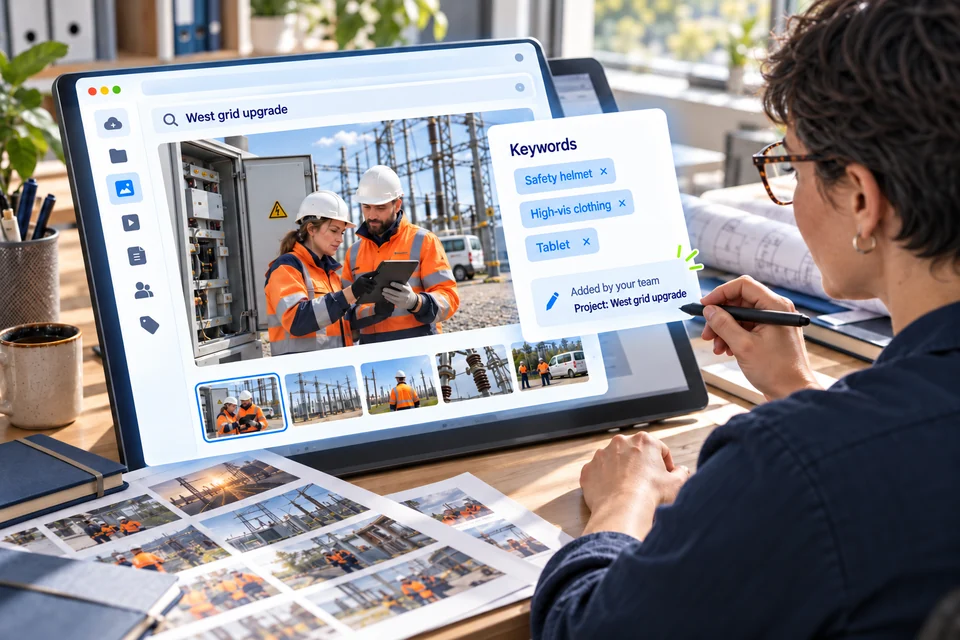
A media archivist adds keywords to a grid-operations photo and assigns the West grid upgrade project context.

Tagging in a DAM system

Digital asset management (DAM) makes it easier to manage and retrieve assets swiftly using tags. In a DAM system, keywords can be entered manually or automatically recognized and mapped when digital media is uploaded.

Asset tagging needs to be extensive and as specific as possible to fully utilize what DAM has to offer. Tagging guidelines help in assigning keywords. These also determine spelling and grammatical structures. The five ‘W’ question words serve as a guideline for the content: who, what, where, when and why.

Tagging – AdmiralCloud gets you the result you need

AdmiralCloud’s digital asset management (DAM) applies state-of-the-art tech to make tagging as sustainable and user-friendly as possible:

  • A clear user interface makes it easy to strategically create, manage and read tags.
  • Automatic tagging, or smart tagging, is particularly convenient, instantly placing uploaded media in a wider context. Using artificial intelligence (AI), a variety of objects can be identified and mapped with similar motifs.
  • What’s more, AdmiralCloud can map out taxonomies, meaning tags can be structured hierarchically. This way, hypernyms are automatically tagged.
  • A speech-to-text feature makes it possible to add tags from voice and video files as well.
  • For multilingual use, AdmiralCloud is linked to a glossary and offers the respective tags in both German and English.
  • Individual data maintenance: AdmiralCloud’s image editing service supports your business in creating keywords using a tailor-made tagging guideline.