Keep comments, reviews and approvals where your media lives. AdmiralCloud’s CollaborationTool brings teams and external contributors together around the content.
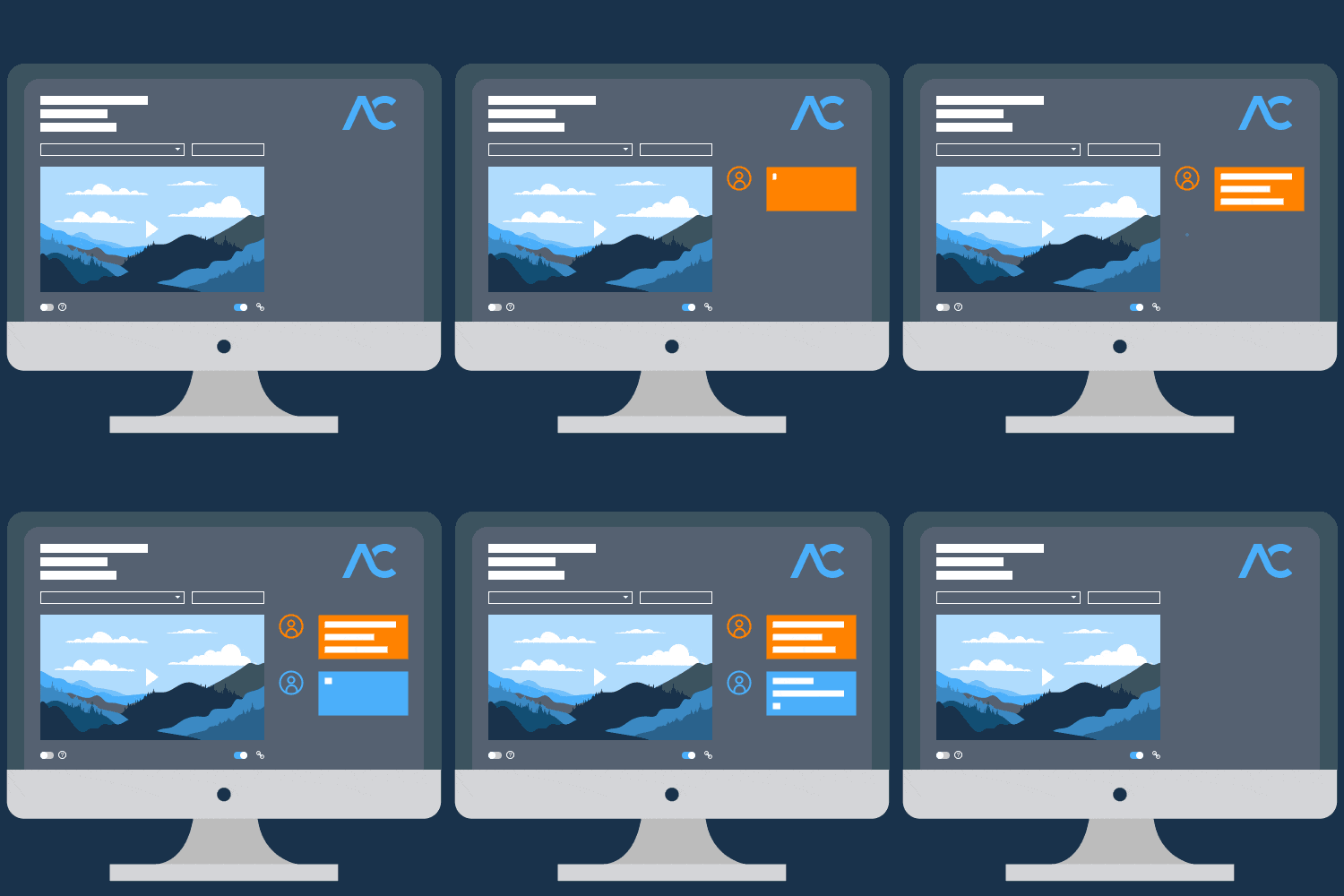
Create a collaboration with one or more media items. Add further content from the main overview.
02
Invite contributors
Share the link and set suitable access controls. People without an AdmiralCloud account can take part too.
03
Review together
Select and play videos, comment on content and approve it. Feedback stays connected to the media.
Features and access
Set up the review your team needs.
The key tools for selecting media, working together and managing access, clearly explained.
Media and participants
A collaboration can contain one or more media items. Teams in different locations can select, play, comment on and approve videos together at the same time. External contributors can open the shared view directly through the CollaborationTool link, without an AdmiralCloud account.
Links and organization
Create and manage collaborations, add media from the main overview, and open, copy or send links after release. Tags help you find the content again in the main overview.
Deadlines and availability
A deadline gives the review a timeframe. You can also limit the access period. Where needed, the total number of permitted access requests can be restricted.
Access and editing
Optionally require a username and password for access. Security groups control who can edit content. Adapt these settings to the people involved in each collaboration.
Do external contributors need their own DAM account?
No. You can share a collaboration link with people who do not have an AdmiralCloud account. Optional credentials and time limits determine access to the shared view.
Is this only for reviewing videos?
Videos can be selected, played, commented on and approved together. Images are also part of media-based collaboration. We can discuss further media types and review steps in the context of your workflow.
Can I set the deadline and access period separately?
Yes. Set a deadline for the review and separately limit availability. Optional credentials and a limit on the number of access requests provide additional controls.
Are comprehensive project boards automatically included?
The focus described here is media review: selecting content, gathering feedback, approving media and managing access. We discuss broader project and task capabilities, and the appropriate functional scope, separately.
Make the next review more straightforward.
Let’s look at your media and approval process together. A live demo gives you a chance to explore the CollaborationTool and discuss your questions.
With your consent, we use Google Analytics to measure website use, Google Ads to measure advertising, Leadinfo to identify company visits and HubSpot for marketing, forms and appointment calendars. Google Tag Manager manages Google tags. These services may use cookies and transfer data to the USA.
“Accept all” also loads HubSpot embeds automatically. With “Necessary only”, optional services stay off; you can still allow an individual form or calendar. You can change or withdraw your choice at any time via “Privacy settings” in the footer.


 Campaign-photo.jpg
Approved by Lena



TomRetouching done. How does it look?