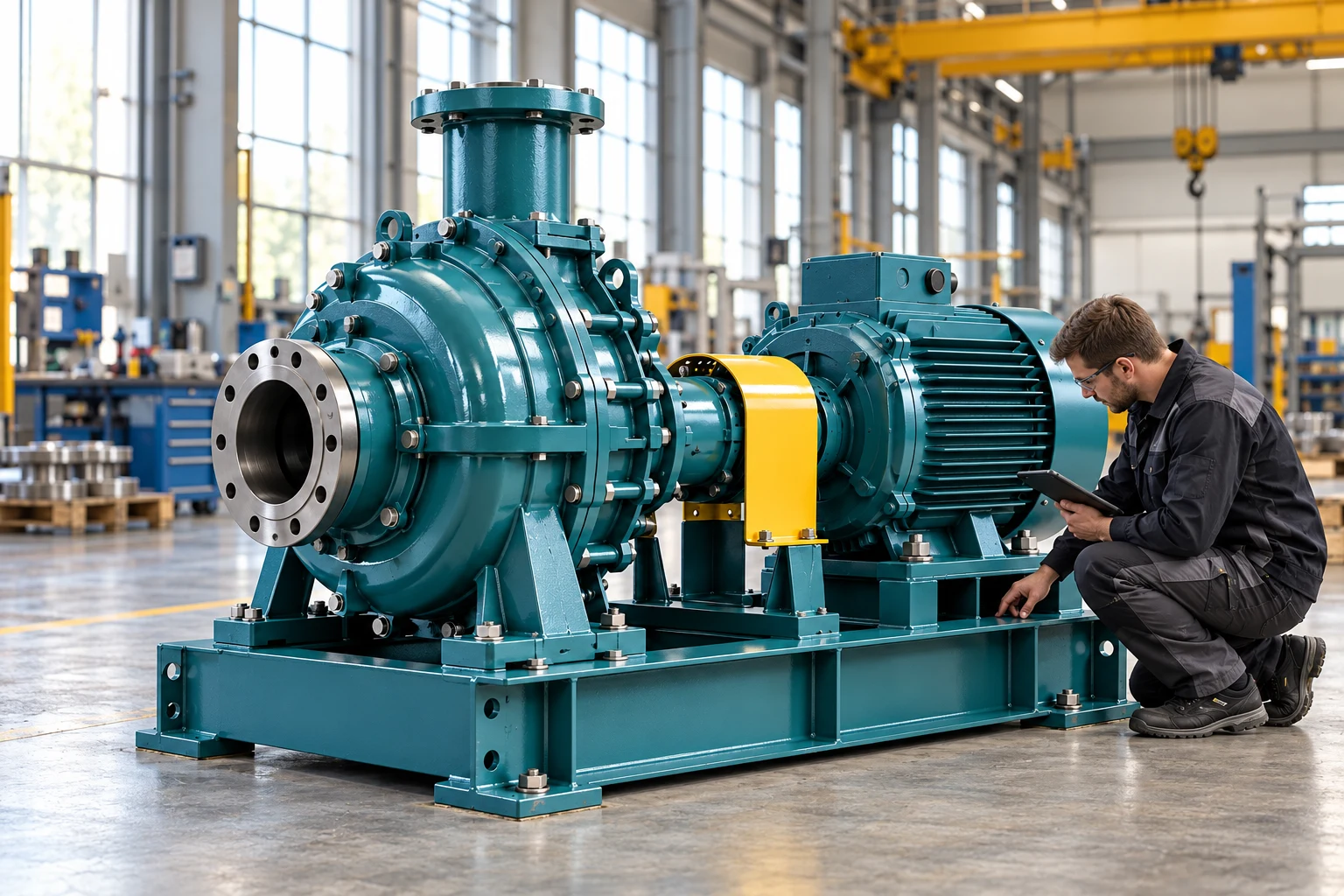
Inspection in the factory hallJPG
Media library · Your media portal
A recurring point of access for your team, partners or the public – with the media you make available to them.
AdmiralCloud’s media library is a tag-based media gallery on your digital asset management system. As a portal, it combines search, topic channels and downloads for images, videos and documents.
Find your way through the collection
Use Smart Search to describe in your own words what you want to see in an image. Filters narrow the results. Topic channels give the collection structure. Titles, descriptions and other metadata help users understand each item.
Maintain the collections you provide and their context: add media, edit information and organize categories into broader topics.
a technician working on a pump in a bright factory hall
Example with a fictional article. PIM integrations are set up individually.
Build a selection of your own
Users select the media they need in the portal, collect it and download the selection together. Available download formats support their next task.
The portal provides access to media. Permitted use still depends on the relevant rights and agreements.
Manage rights and licencesSet up for your audience
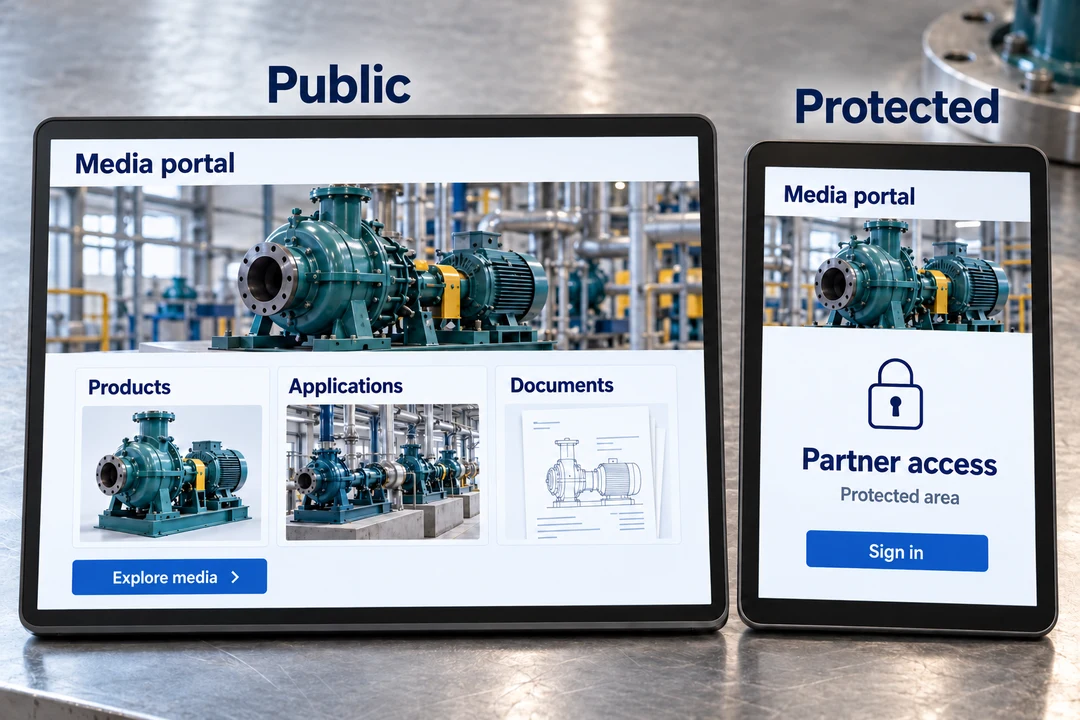
Open or protected: choose portal access for your intended users. Its appearance and presentation can be adapted to your audience and brand.
The media library can serve as a digital showroom; media can also be embedded on an existing website or in a media portal. A white-label solution is available if needed. Access, customization and additional features depend on the agreed scope.
Portal access is not the same as permission to edit the DAM. Administrative security groups and access to provided media serve different purposes.
These capabilities support managing and providing media. Open the overview for the individual options.
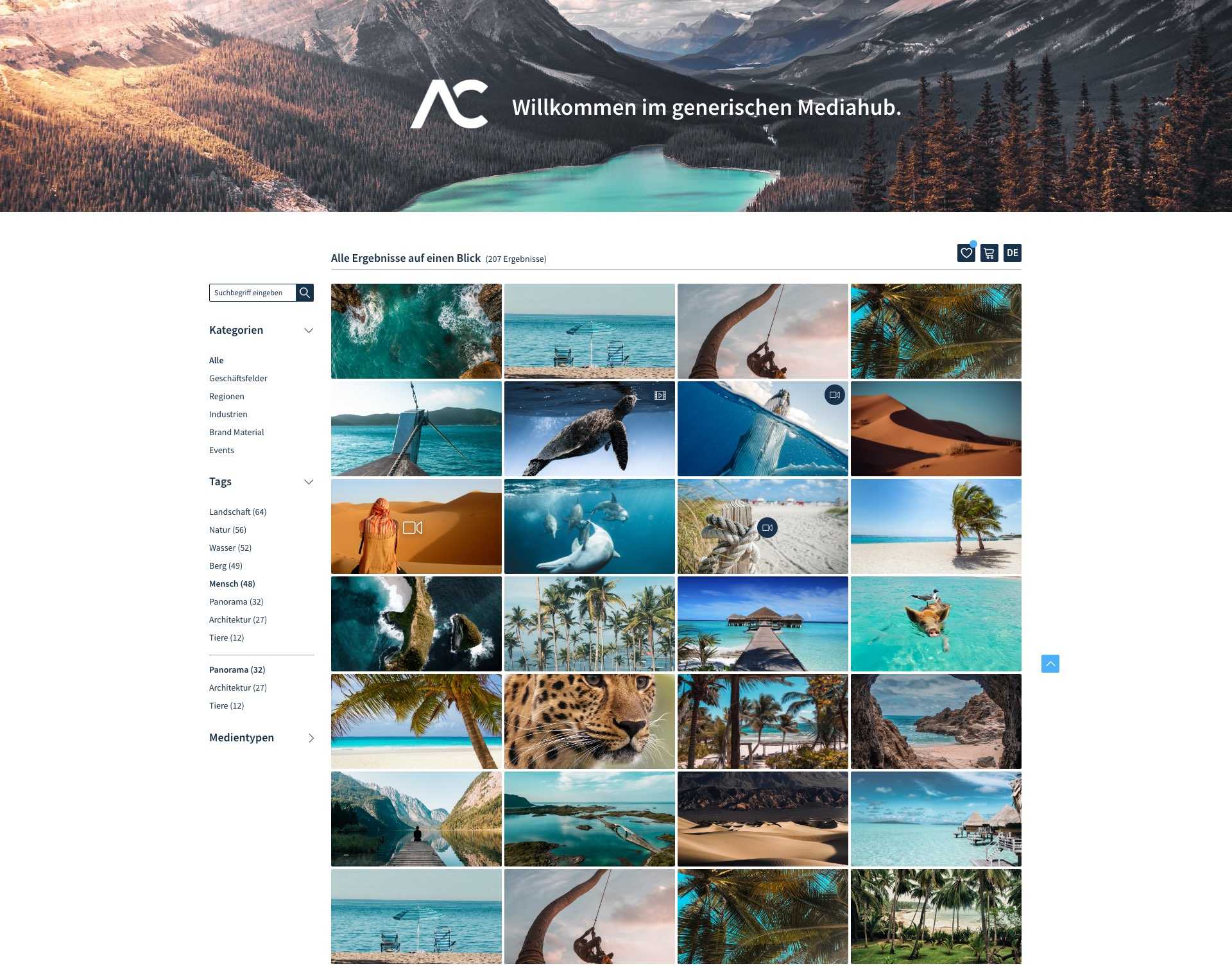
Discuss which media you want to provide for which audience in a live demo.